

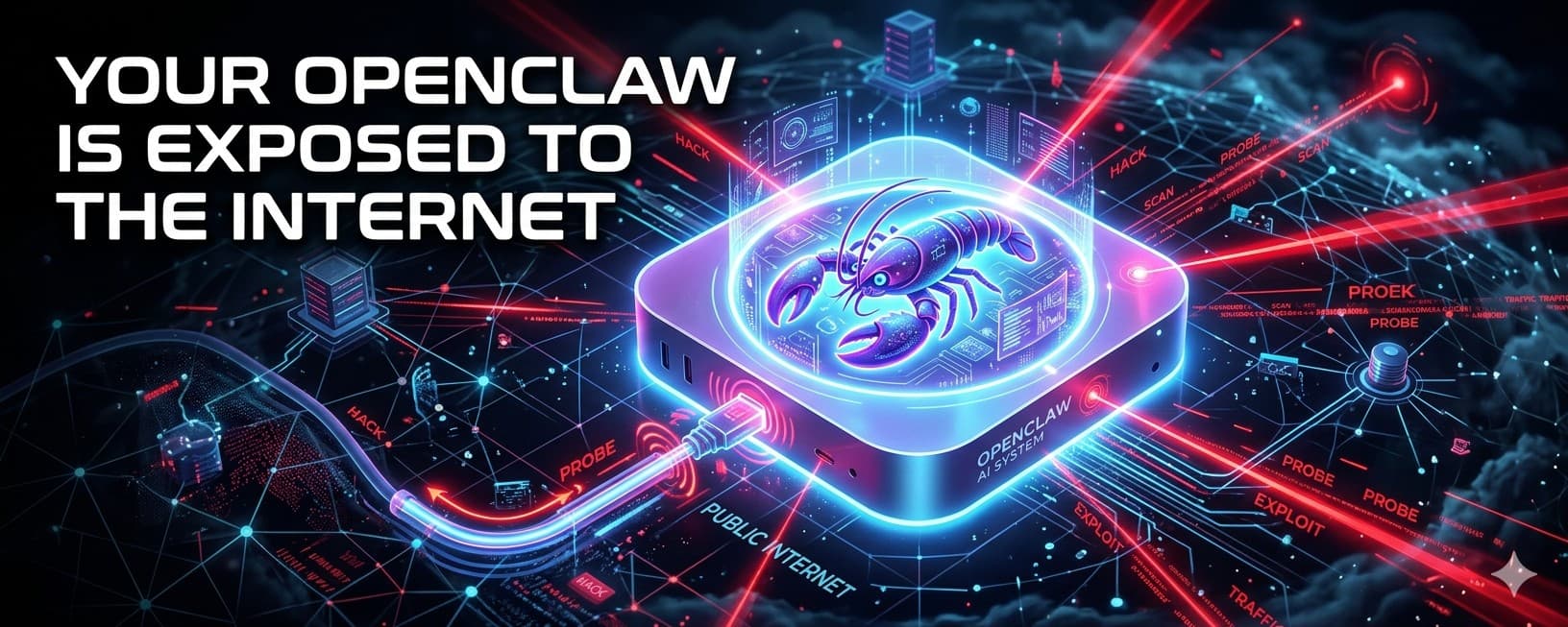
Your OpenClaw Is Exposed to the Internet — And It’s Being Scanned
What this article covers
In just two months, OpenClaw has surged in popularity—but also in risk. As of March 2026, over 540,000 agents are exposed to the public internet. Many users think they’re running locally, but are actually exposing full AI control systems. This article reveals the risks and how to check exposure.
Who should read it
Best for readers focused on ai, agent, openclaw.
Key takeaway
As of March 2026, over 540,000 agents are exposed to the public internet.
OpenClaw has only been trending for 2 months.
As of mid-March 2026,
there are already around 540,000 OpenClaw agents
directly exposed to the public internet,
facing potential attacks from hackers at any time.

This is:
A large-scale, ongoing security problem.
If you are also using OpenClaw,
you need to seriously ask yourself one question:
👉 Is your current agent one of those 540,000?
If the answer is “maybe,”
then you are no longer “running AI locally.”
You are actually:
👉 exposing your entire AI agent system to the internet
—while still believing it’s “just running locally.”
The Real Danger
What you expose is never just a page.
Once your OpenClaw panel is accessible from the public internet, others may gain access to:
- Your agent control interface
- Your conversation context
- Your tool execution capabilities
- Your API key usage surface
- Your automation permissions
- Even the systems and accounts your agent is connected to
In other words:
👉 You didn’t expose a web page.
👉 You exposed the control entry of your AI execution system.
More bluntly:
👉 You didn’t put a website online.
👉 You put control of your AI “digital self” on the internet.
You think you exposed a page.
But in reality:
👉 you exposed an entire AI agent system.

The Problem Is Not Technology
👉 It’s mental models.
In the traditional era:
Exposing a service to the internet usually just means:
- a page
- an API
- an admin panel
In the AI agent era:
Exposing an agent panel means:
👉 someone is getting close to your context, permissions, and execution power
If your setup is slightly weaker or outdated, risks escalate quickly into:
- being scanned
- misconfiguration probing
- vulnerability exploitation
- token leakage
- resource abuse
- full instance takeover
Why So Many People Get This Wrong
Because they misunderstand one key point:
👉 Service running ≠ local-only
Most people simply:
- run a Docker container
- buy a cloud server
- add a domain
- enable remote access
But once these actions combine incorrectly:
👉 you’ve effectively put OpenClaw directly on the internet.
Most exposures are not caused by elite hackers.
👉 They happen because users expose the system themselves with a single command.
How to Check If You Are Exposed
Don’t guess.
Don’t rely on intuition.
Check three things only:
1️⃣ Check listening address
ss -tulnp | grep 18789
If you see:
0.0.0.0:18789
👉 It’s listening on all network interfaces
👉 If your machine has a public IP, it is at risk
If you see:
127.0.0.1:18789
👉 Only accessible locally (relatively safe)
2️⃣ Check if you have a public IP
curl ifconfig.me
If it returns a public IP:
👉 Your machine is visible on the internet
Especially:
- Cloud servers
- VPS
- AWS / Alibaba Cloud / Tencent Cloud
👉 These are public by default
3️⃣ Test externally
curl http://YOUR_PUBLIC_IP:18789
If it returns a page:
👉 You are already publicly exposed
Simple rule:
👉 If it’s accessible from outside, it’s exposed.
The Most Common Docker Mistake
docker run -p 18789:18789 openclaw
Most people think this just starts a service.
But in reality:
👉 It maps the port directly to the host
If the host has a public IP and no restrictions:
👉 You just exposed OpenClaw to the internet
Most incidents follow the same pattern:
👉 public server + port mapping + no access control
→ scanners find you immediately
Domain ≠ Security
People often say:
“I have a domain”
“I use Nginx / Caddy”
But:
👉 Domain ≠ security
👉 Reverse proxy ≠ protection
If your structure is:
domain → OpenClaw
Without:
- access control
- authentication
- zero-trust mechanisms
👉 It is still public exposure
Simple Safety Benchmark
Relatively safe:
- Bind to 127.0.0.1
- No open ports
- No public access
- Access via tunnel / private network
- Additional authentication layer
High risk:
- Listening on 0.0.0.0
- Public cloud server
- Open ports
- Publicly accessible panel
- Direct Docker port mapping
If you fall into the latter:
👉 Stop asking “will I be scanned?”
The real question is:
👉 When were you already scanned?
“No One Will Notice Me” Is an Illusion
Today’s internet works like this:
👉 It’s not about whether someone is targeting you
👉 It’s whether you are already in the scanning range
Scanning is:
- automated
- large-scale
- continuous
If your service:
- is publicly accessible
- has identifiable fingerprints
👉 Being discovered is only a matter of time
Recommended Deployment Approach
👉 Do not expose directly

Correct architecture:
OpenClaw
↓
127.0.0.1
↓
Tunnel (Cloudflare / Tailscale / WireGuard)
↓
Private access
Core benefits:
- no exposed ports
- not discoverable by scanners
- minimal attack surface
- still supports remote access
Final (Important)
If you are already running OpenClaw,
the most important thing right now is not adding features.
It is:
👉 Confirm whether your agent is already exposed to the internet
In the past, what was exposed was a website.
Today, what’s exposed is:
👉 your AI “digital self.”
If you want to use OpenClaw safely and effectively,
you must build the correct security awareness and deployment mindset as early as possible.
I will continue sharing:
- OpenClaw usage tips
- Deployment experience
- Security best practices
inside the DeepCarry member community.
👉 https://deepcarry.io/zh/member
This is a security lesson everyone must learn.
Related Articles
OpenClaw Agent Team: How to Decide, Organize, and Validate Multi-Agent Work
OpenClaw Agent Team is DeepCarry's practical framework for multi-agent collaboration. It explains how a lead Agent, specialist sub-agents, and a dedicated validation Agent divide work, synthesize evidence, and deliver accountable outcomes.
May 17, 2026
AI Browser Automation Is Unstable — 99% of the Time, It’s Not a Model Problem
AI browser automation instability is often blamed on models, but the real issue is fragmented browser context. When AI operates across multiple profiles and tabs, consistency breaks. The fix is a single browser chain—system Chrome + relay + DOM-first reading—for stable, continuous actions.
March 24, 2026
What exactly is AI Native?
Most people have heard the term “AI-native,” but few can clearly define it. This article explains AI-native in one sentence and introduces a five-level maturity model—showing how to move from simply using AI to building reusable, verifiable, and evolving AI-driven systems.
February 20, 2026
The Most Unsettling Workstation I’ve Ever Seen: No One There, Just a Computer Working.
AI employees are no longer a concept. From enterprise agents to open-source execution systems, AI can now take tasks, operate tools, and deliver results. The shift isn’t sudden layoffs — it’s the gradual transfer of execution authority.
February 12, 2026
Comments
0 totalLoading comments...