

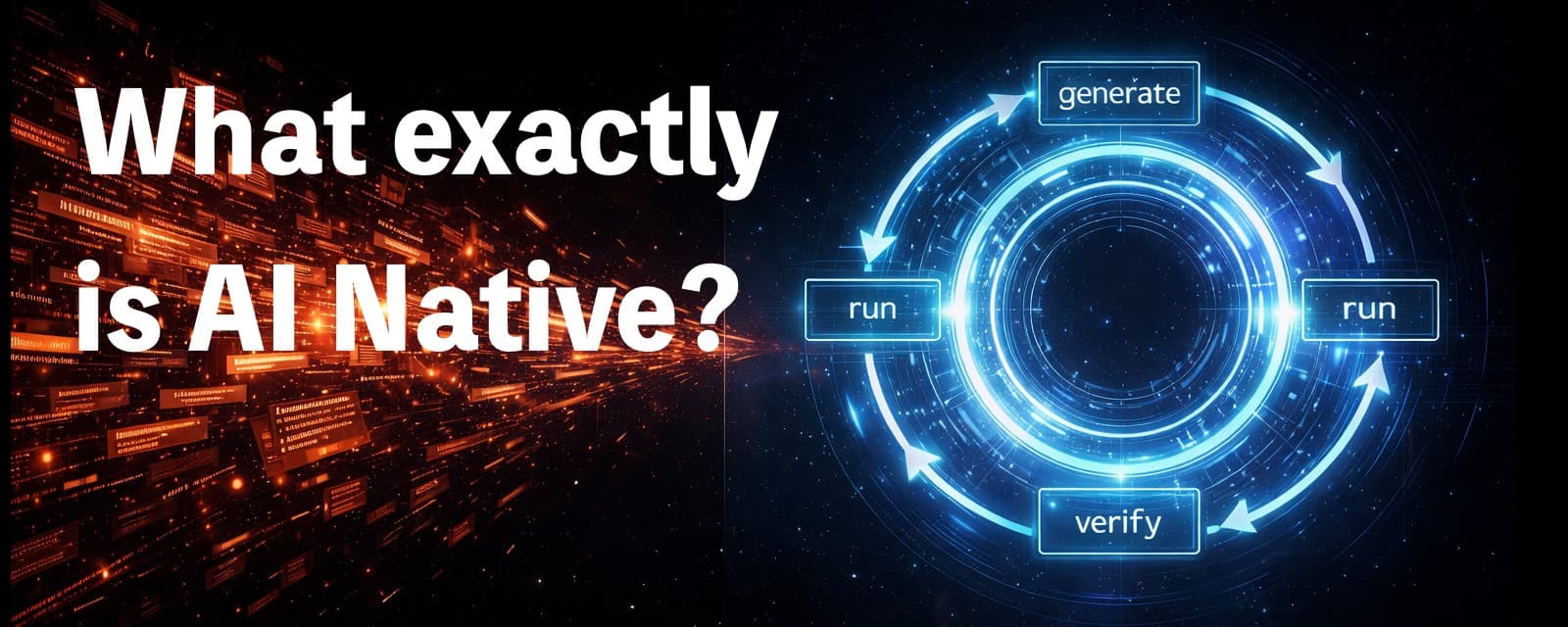
What exactly is AI Native?
What this article covers
Most people have heard the term “AI-native,” but few can clearly define it. This article explains AI-native in one sentence and introduces a five-level maturity model—showing how to move from simply using AI to building reusable, verifiable, and evolving AI-driven systems.
Who should read it
Best for readers focused on ai, cognize, ai native.
Key takeaway
This article explains AI-native in one sentence and introduces a five-level maturity model—showing how to move from simply using AI to building reusable, verifiable, and evolving AI-driven systems.
Many people see the term “AI-native” and instinctively nod. But if you’re asked to explain it clearly in one sentence — you’ll probably freeze.
Then the anxiety kicks in:
- Am I falling behind?
- Did I miss the real core of this?
- Am I just “playing with AI”?
Pause for a second.
If you can’t explain it clearly, it’s not because you’re not smart — it’s because the term has been overused. It’s often treated as a “high-end label,” yet rarely defined in a practical, actionable way.
This piece does just one thing:
Help you explain AI-native in one sentence, and understand what level you’re on — and how to level up next.
1) First, break a misconception: AI-native ≠ Knowing how to use AI
You use ChatGPT. You use Midjourney. You use various AI tools. That’s great.
But that doesn’t make you AI-native.
It’s like this:
- Knowing Excel doesn’t mean you have a financial system.
- Knowing Notion doesn’t mean you have a knowledge management system.
Using tools is the “tool era.” AI-native is the “system era.”
2) One-sentence definition of AI-native
Remember this:
AI-native = Not just using AI to complete tasks, but turning “how tasks are completed” into a reusable, verifiable, and evolving system capability.
There are only three key words:
- Reusable (not one-off)
- Verifiable (not based on guesswork)
- Evolving (not done once and forgotten)
These three separate AI-native from simply “using AI.”
3) What looks like AI-native — but isn’t?
Many people mistake the following for AI-native:
- Asking AI to write a piece of code
- Asking AI to write an article
- Asking AI to create a PPT
- Building a webpage through vibe coding
These are efficient. But most of them are AI-assisted, not AI-native.
What’s the difference?
If every time you still need to:
- Re-explain the requirements
- Copy and paste again
- Guess whether the output is correct
- Manually check for errors
Then you’re just “doing manual work faster.”
AI-native isn’t about faster labor. AI-native is about reducing the need for labor in the first place.
4) The structure of AI-native: From “writing” to “self-proof”
The key isn’t what AI can write — It’s whether it can:
- Run automatically
- Test automatically
- Check automatically
- Provide proof that what it produced actually works
The AI-native Four-Step Loop (Core Structure)
Human defines the goal ↓ AI executes (write / modify / generate) ↓ AI self-verifies (run / test / check) ↓ Outputs a “provable result” (evidence / logs / reports)
The real dividing line of AI-native is verification.
- Generating answers is capability (and may be wrong).
- Verifying answers is reliability (knowing whether it’s right).
Only when both exist does AI truly help you get real work done.
5) The 5 levels of AI-native maturity (Self-assessment)
Think of AI-native as a leveling system:
Level 1: AI as a search engine
Q&A, summaries, translations.
Level 2: AI as a production tool
Writing copy, writing code, generating images.
Level 3: AI as a workflow
Abstracting repetitive processes into templates, scripts, and instruction sets.
Level 4: AI as a verification system (The key threshold)
AI doesn’t just produce — it also:
- Runs tests
- Compares results
- Checks logs
- Provides evidence
You move from “guessing if it’s correct” to “seeing it prove itself.”
Level 5: AI as a self-evolving system (Compounding growth)
Every failure feeds into:
- Prompt playbooks
- Automation scripts
- Skills / agents
- Evaluation cases (evals)
The system understands your business better over time. The more you use it, the stronger it becomes.
True AI-native typically starts at Level 4.
6) Can non-programmers be AI-native?
Yes. And arguably, they should.
The core of AI-native is not “Can you code?” It’s:
- Can you define goals clearly?
- Can you design verification?
- Can you systematize the workflow?
For vibe coding users, there’s only one upgrade:
Move from “It runs” to “It proves that it runs correctly.”
For example:
Don’t just say, “I built it.” Be able to say:
- What I built (goal)
- How I verified it works (validation)
- How it will be automatically verified next time (systemization)
That’s the language of AI-native.
7) Upgrade from AI user to AI-native in 7 days (Practical path)
You only need to do 7 small things:
Day 1: Create a “Goal Template”
Goal / Input / Output / Definition of Done
Day 2: Add a “verification step” to a task
For example: A webpage feature → write 5 manual validation checklist items.
Day 3: Let AI turn the checklist into automation
Test scripts, Playwright, or simple self-check instructions.
Day 4: Consolidate into a workflow instruction
Turn high-frequency tasks into an SOP prompt.
Day 5: Record failure cases
Build a “counterexample library.”
Day 6: Create a small Evals system
What standards must similar tasks meet?
Day 7: Merge into your “Personal AI System”
SOP + Evals = compounding growth begins.
8) Conclusion: AI-native isn’t a concept — it’s a reallocation of responsibility
You feel anxious because you think AI-native means being “more advanced than others.”
It doesn’t.
AI-native is a new division of labor:
- AI carries complexity (execution, generation, verification)
- Humans retain judgment (direction, trade-offs, responsibility)
The endgame isn’t learning more tools.
It’s building:
A work system that runs itself, checks itself, and strengthens itself.
From then on, you won’t chase buzzwords. You’ll absorb them into your structure.
If this article helped you truly understand AI Native for the first time, drop a like.
Tell me in the comments: what’s the AI question that confuses you the most right now?
Save this. Read it again in six months — you’ll see the shift.
And feel free to share it with someone who’s feeling anxious about learning AI.
Related Articles
OpenClaw Agent Team: How to Decide, Organize, and Validate Multi-Agent Work
OpenClaw Agent Team is DeepCarry's practical framework for multi-agent collaboration. It explains how a lead Agent, specialist sub-agents, and a dedicated validation Agent divide work, synthesize evidence, and deliver accountable outcomes.
May 17, 2026
AI Browser Automation Is Unstable — 99% of the Time, It’s Not a Model Problem
AI browser automation instability is often blamed on models, but the real issue is fragmented browser context. When AI operates across multiple profiles and tabs, consistency breaks. The fix is a single browser chain—system Chrome + relay + DOM-first reading—for stable, continuous actions.
March 24, 2026
Your OpenClaw Is Exposed to the Internet — And It’s Being Scanned
In just two months, OpenClaw has surged in popularity—but also in risk. As of March 2026, over 540,000 agents are exposed to the public internet. Many users think they’re running locally, but are actually exposing full AI control systems. This article reveals the risks and how to check exposure.
March 18, 2026
The Most Unsettling Workstation I’ve Ever Seen: No One There, Just a Computer Working.
AI employees are no longer a concept. From enterprise agents to open-source execution systems, AI can now take tasks, operate tools, and deliver results. The shift isn’t sudden layoffs — it’s the gradual transfer of execution authority.
February 12, 2026
Comments
0 totalLoading comments...